
intellij-jira-ai
Configure Jira
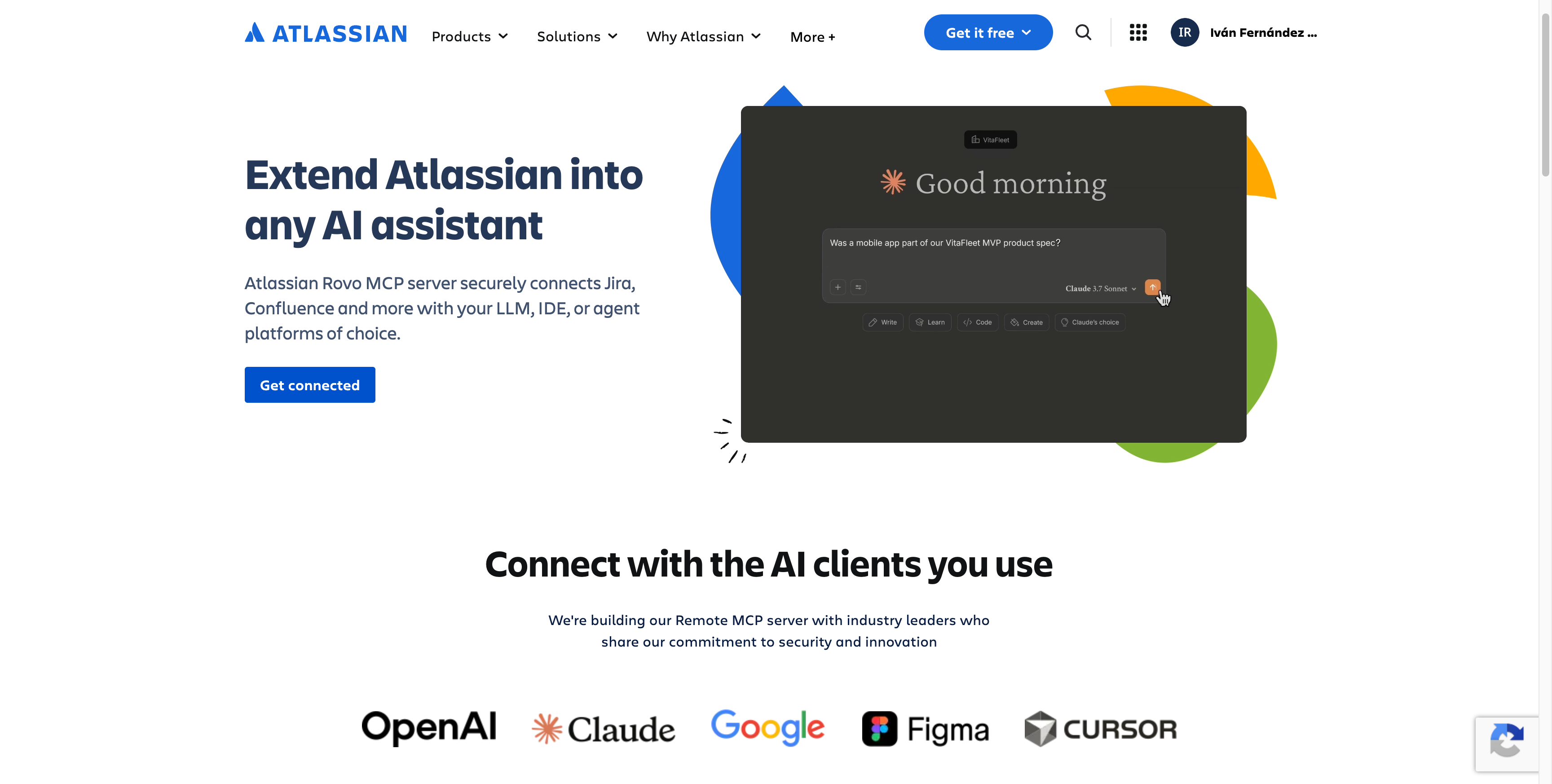
- Configure Atlassian Rovo MCP Server.
- Enable API Token authentication method.
Configure IntelliJ
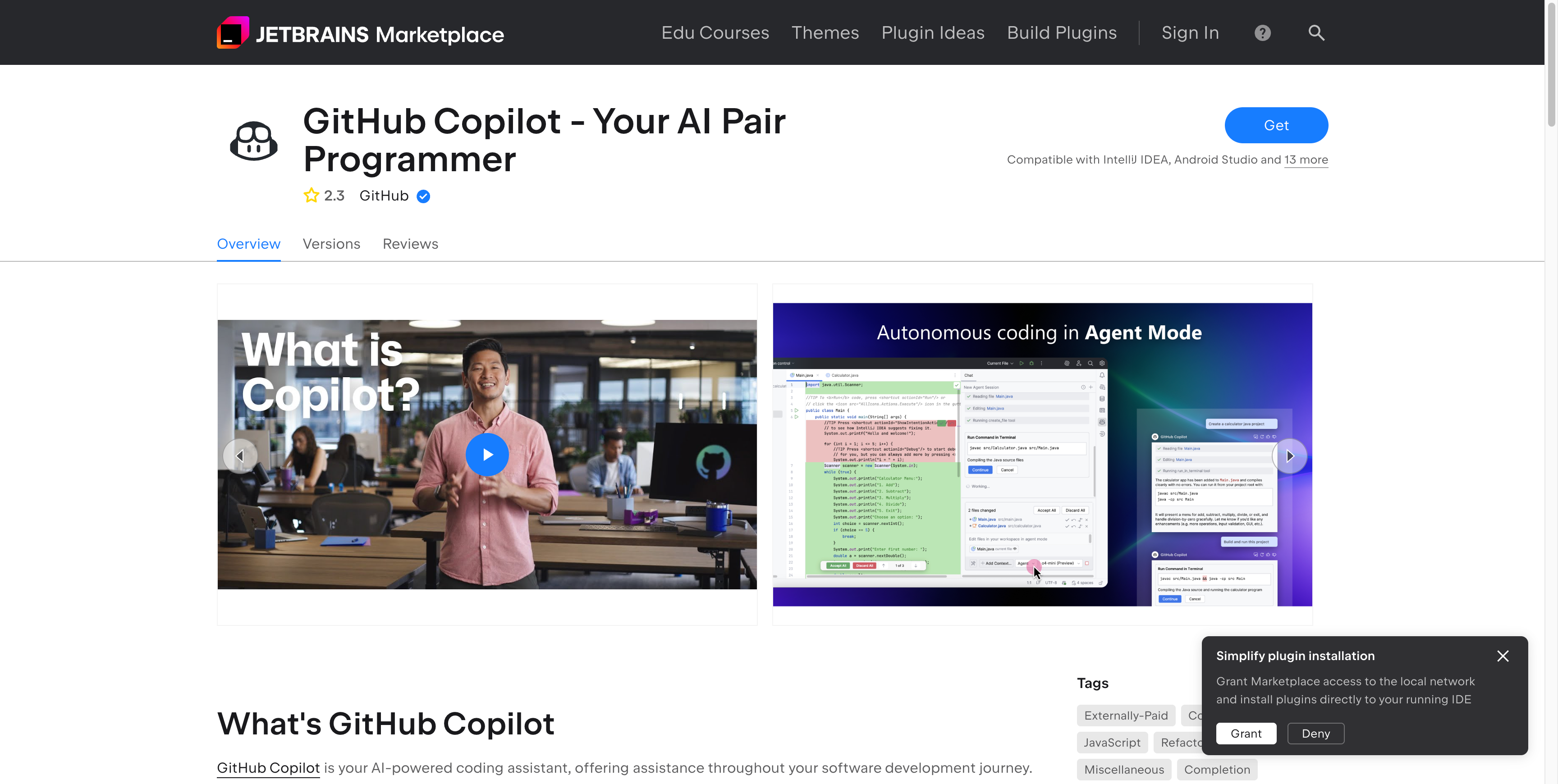
- Install Atlassian Rovo MCP Server.
Start the MCP Server
- Open the
mcp.jsonfile. - Start the server.
Grant Access
- A browser is launched.
- Grant access to your Jira site.
Return to IntelliJ
- Return to IntelliJ after granting access.
Test Integration
-
Test the integration with the prompt:
can you read the summary of this jira task <your-jira-task>